
Weddings
Digital wedding invitations with guest RSVP
One link that opens into your whole wedding — the story, the schedule, the venue, and a place for guests to reply.
More than a card with a date on it
A printed invitation has room for a name, a date, and an address. Everything else — how to get to the reception, what to wear, when the ceremony actually starts, whether children are invited — ends up in a group chat that scrolls away by the following week.
An invitation website keeps all of it in one place your guests can return to. Add your story and photographs, the order of the day, the venue with a map, what you would like guests to wear, and any notes about gifts or parking. Guests open one link and find the answer without asking anyone.
How your guests receive it
You publish once and get a single link. Send it however you already talk to the people you are inviting — a message, an email, a group chat. Nobody downloads an app, and nobody makes an account to read your invitation.
You can also send personalized links, so each family or party opens an invitation addressed to them by name. The people you invited by name are the ones who can reply.
Replies you can actually count
Guests respond from the invitation itself, in the same place they read it. Their answers collect in one list you can check whenever you need a current headcount, rather than counting Facebook comments and remembering who told you in person.
Details change, and that is normal. Edit the invitation and publish again — the link you already shared keeps working and shows the updated version.
Five wedding designs
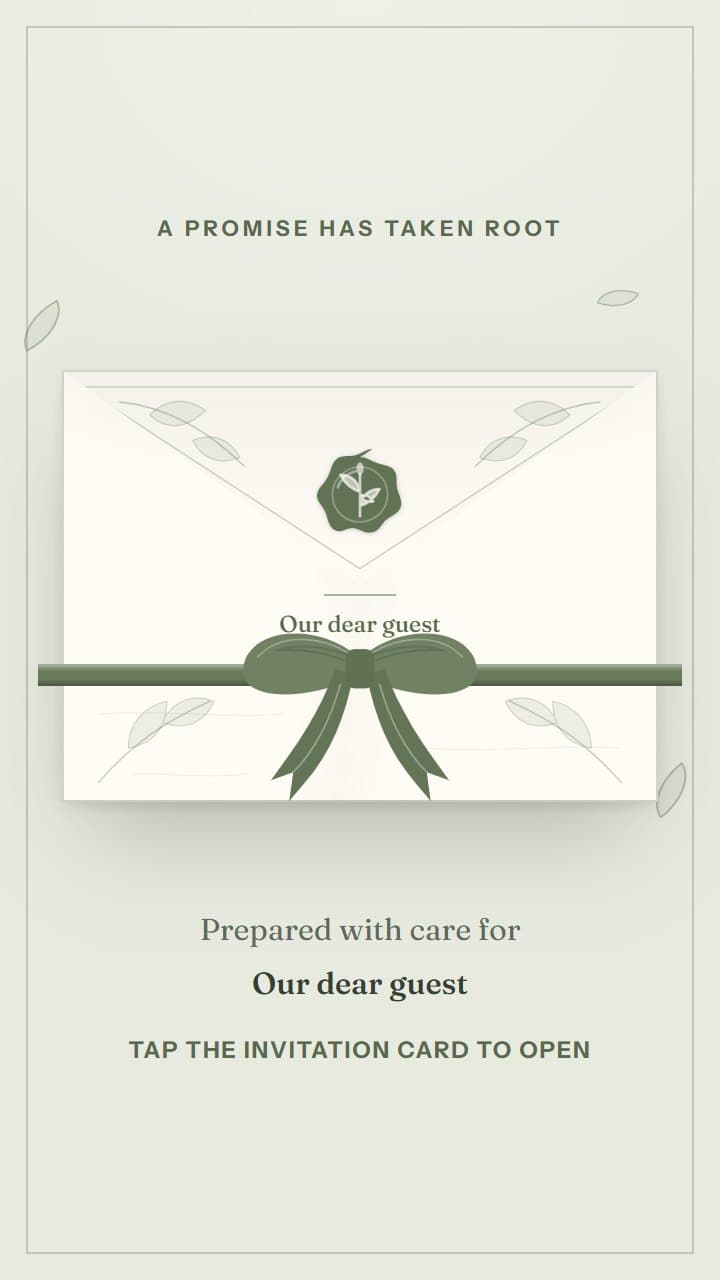
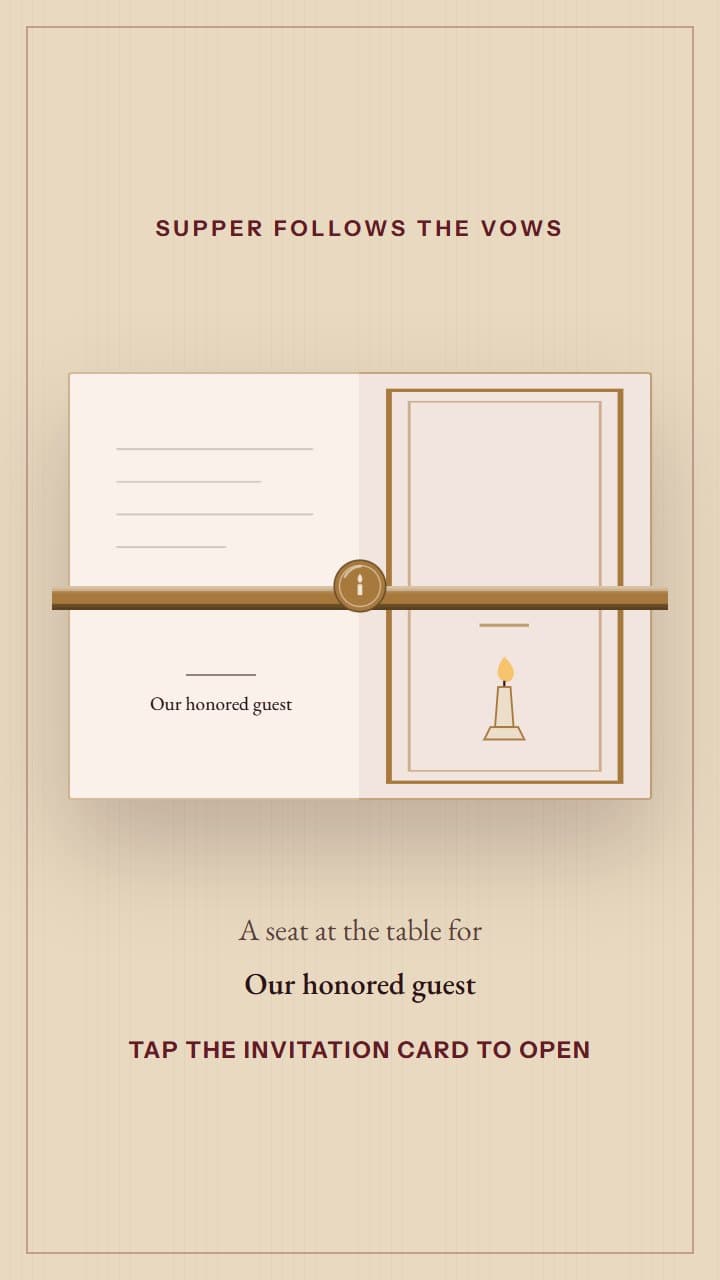
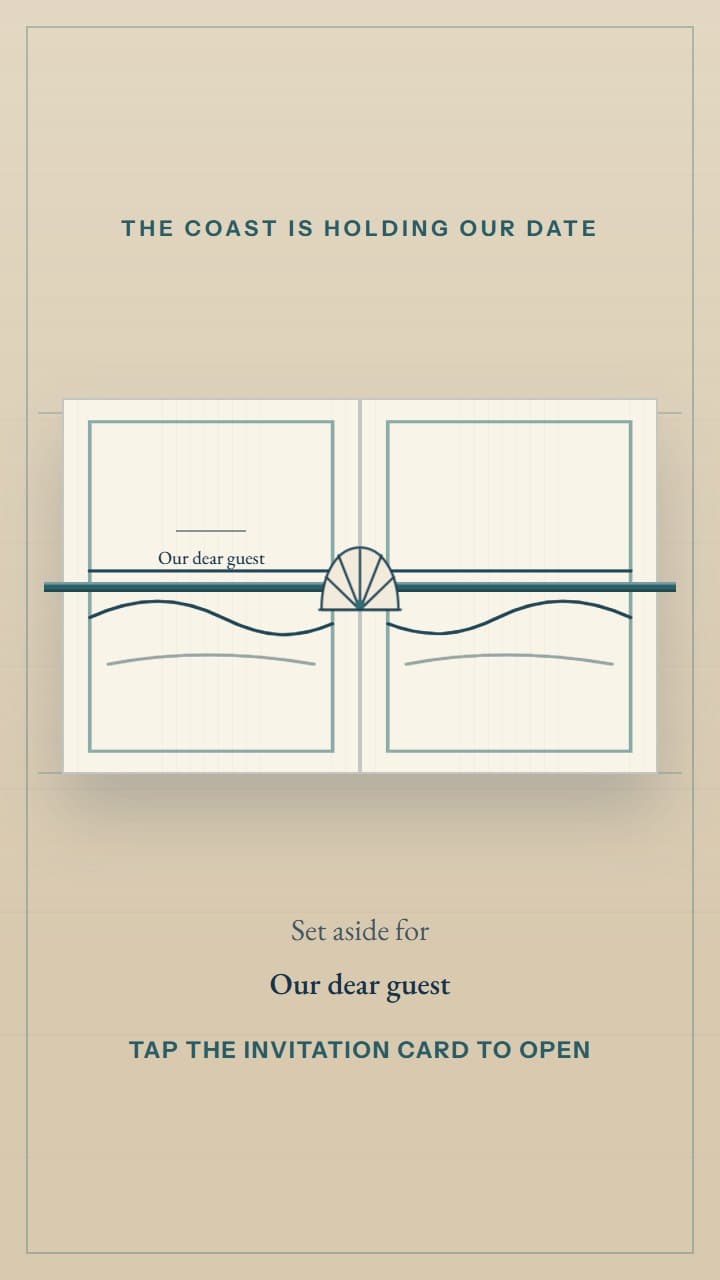
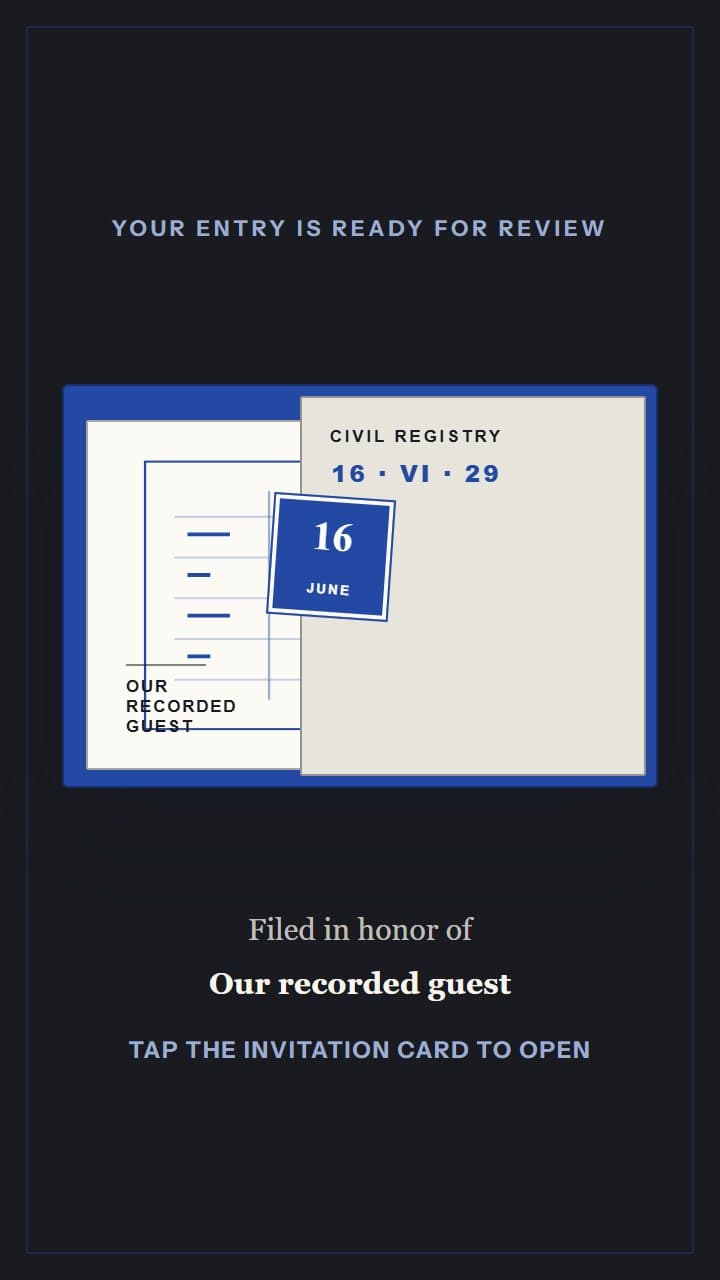
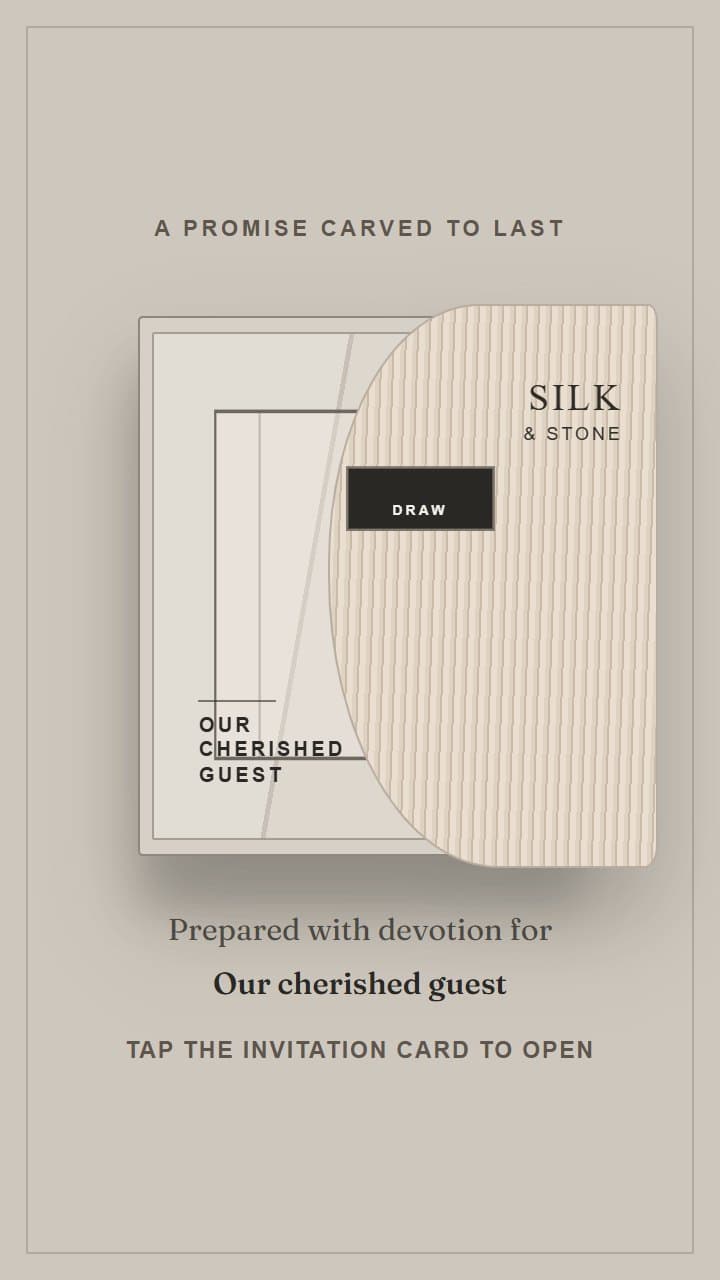
Each opens with its own envelope and its own typography. Open any preview to read the complete invitation the way a guest would.
Questions before you begin
Do my guests need an account to open the invitation?
No. Guests open your link and read the invitation straight away, and invited guests can reply without signing up for anything.
Can I change the details after I have sent the link?
Yes. Edit your invitation and publish again. The link you already shared stays the same and shows the updated invitation.
Will it work on an older phone?
Yes. Every invitation is built for phones first and tested on slower connections, because that is how most guests will open it.
Can I send a different invitation to each family?
Yes. Alongside the general link you can create personalized links, so a guest party opens an invitation addressed to them and replies for the people in it.
Five wedding designs to choose from.
Open any design to read the whole invitation the way a guest would. Every design in this collection is free to use.
See every design