
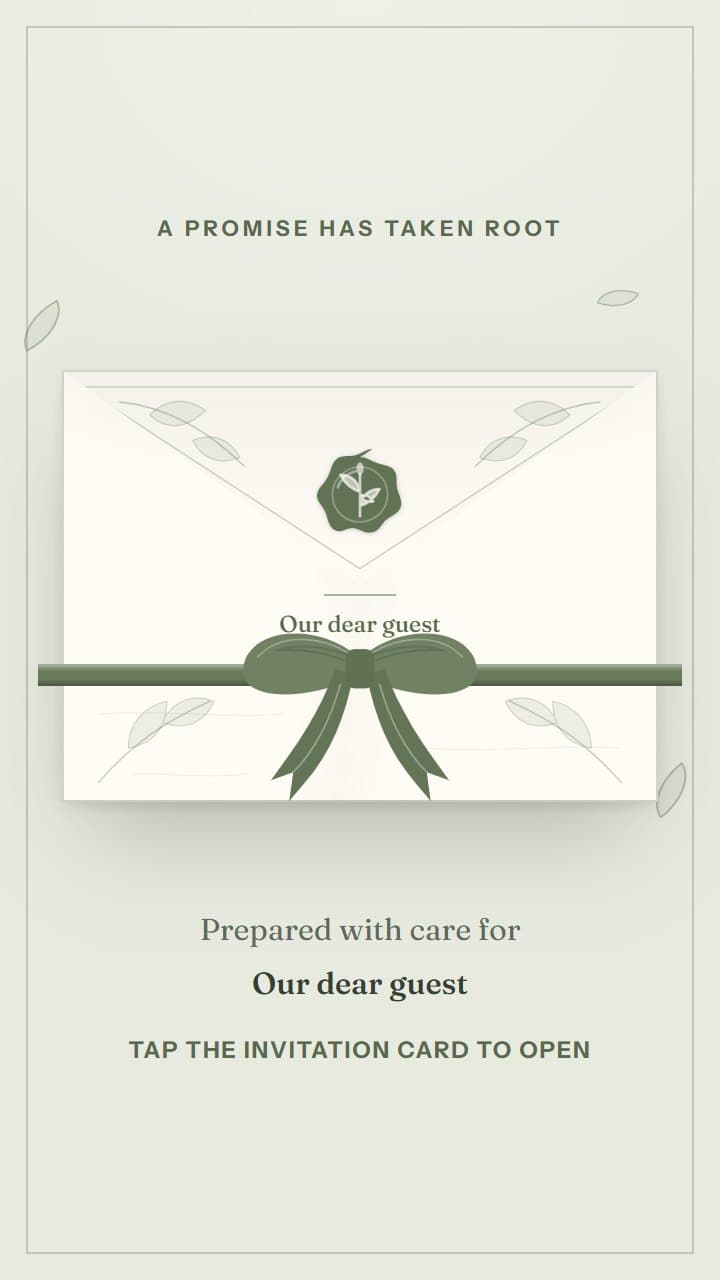
 WeddingGarden PromisePreview invitation
 Make the invitation part of the celebration.
Invitation templates
Choose a design for your event.
These are real previews of the invitations your guests will see. Open any design to view the full invitation.
WeddingGarden PromisePreview invitation 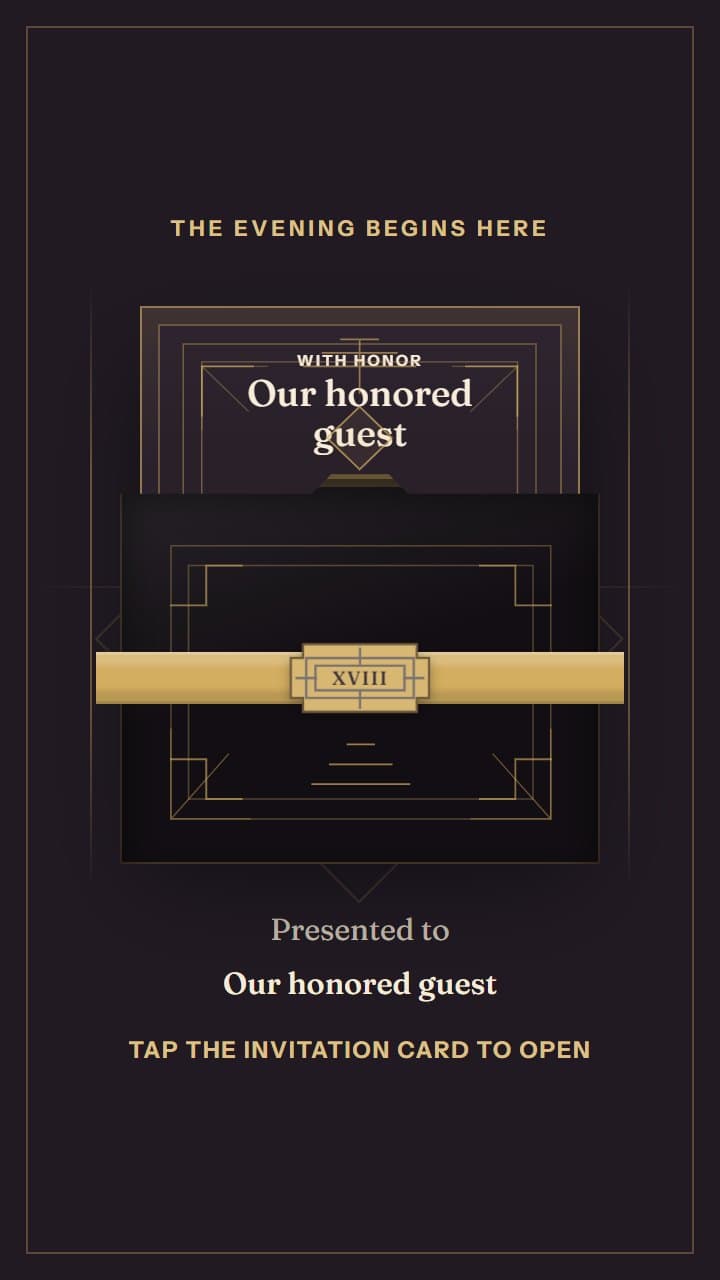 DebutGolden HourPreview invitation
 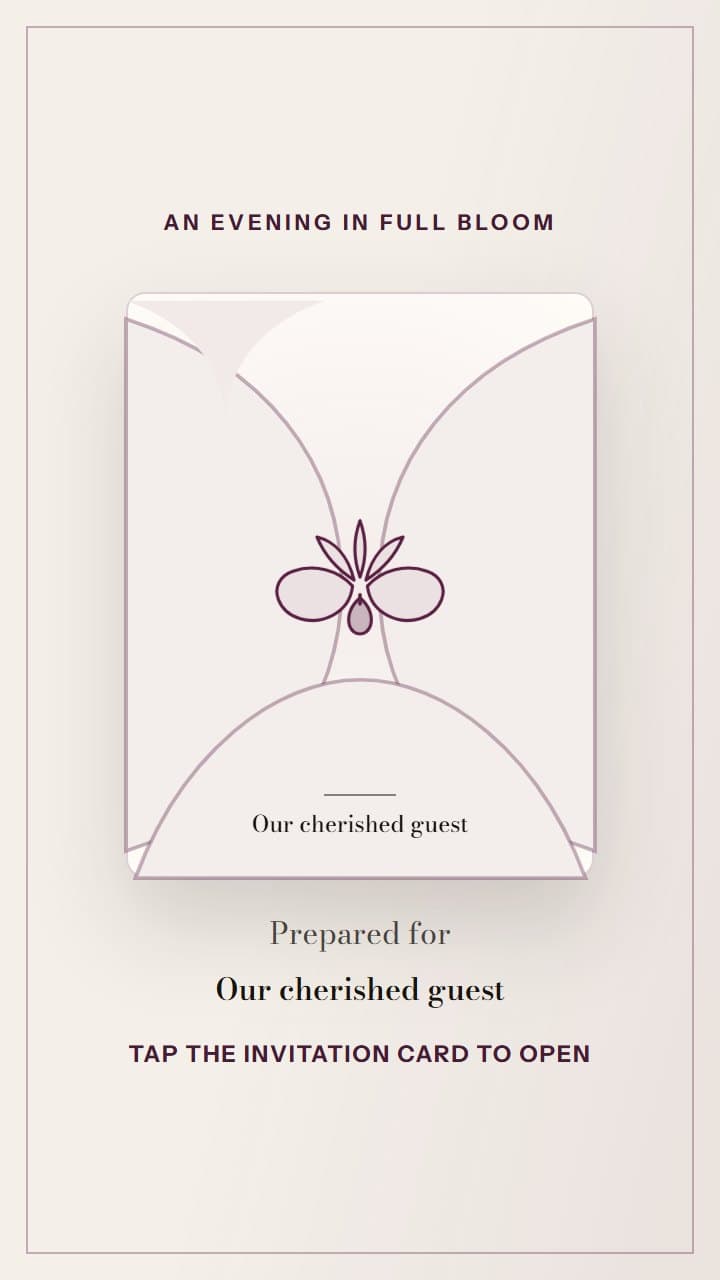 DebutOrchid ReveriePreview invitation
 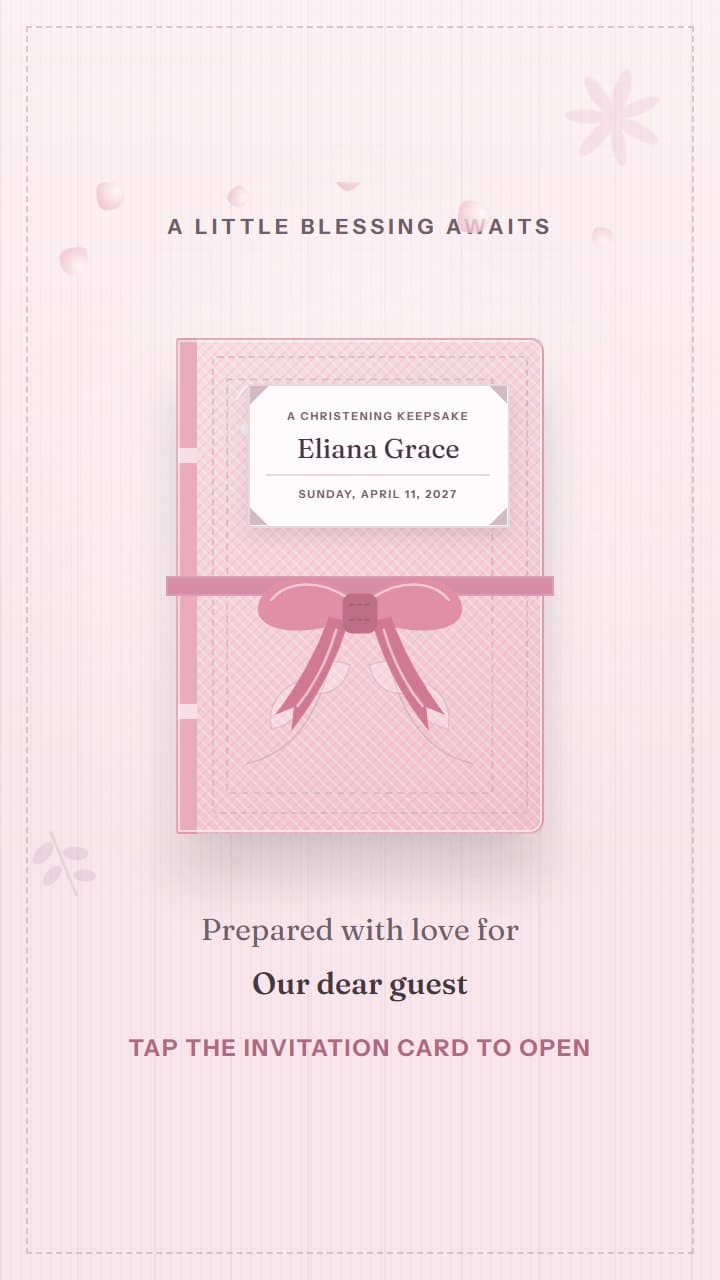 ChristeningLittle BlessingsPreview invitation
 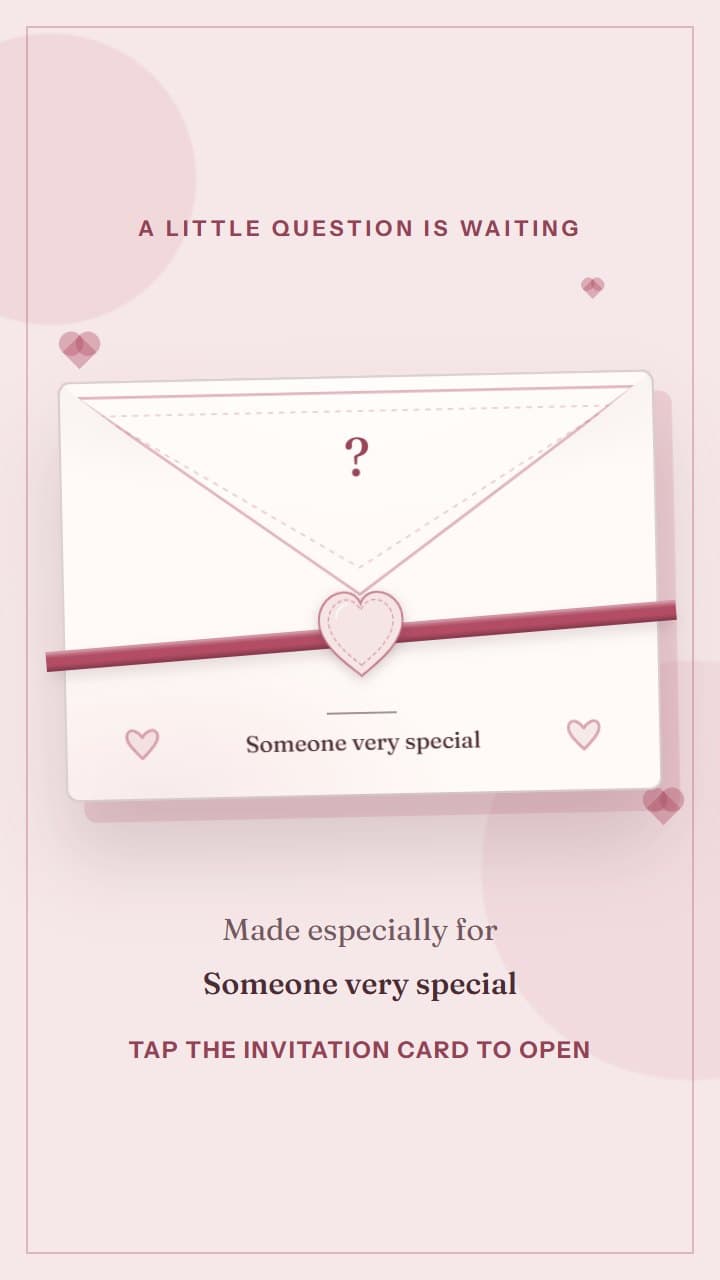 RomanceA Little QuestionPreview invitation
 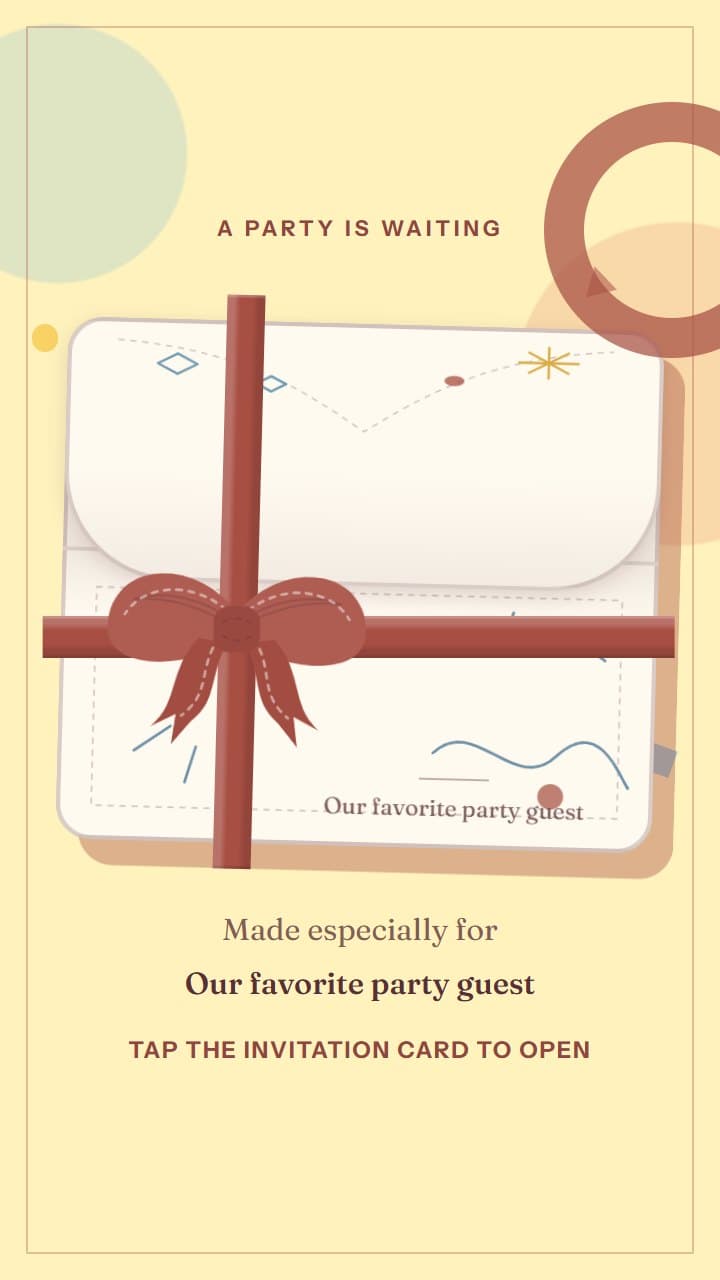 BirthdaySunday JoyPreview invitation
 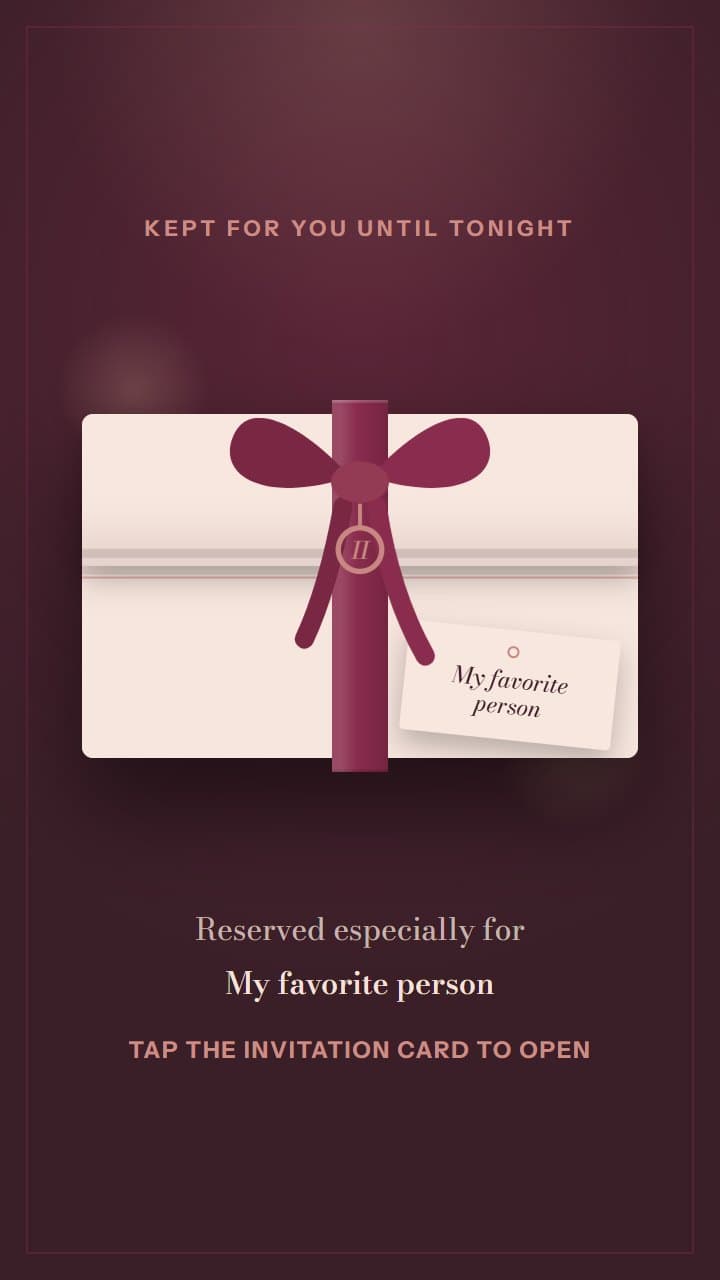 RomanceReserved for TwoPreview invitation
 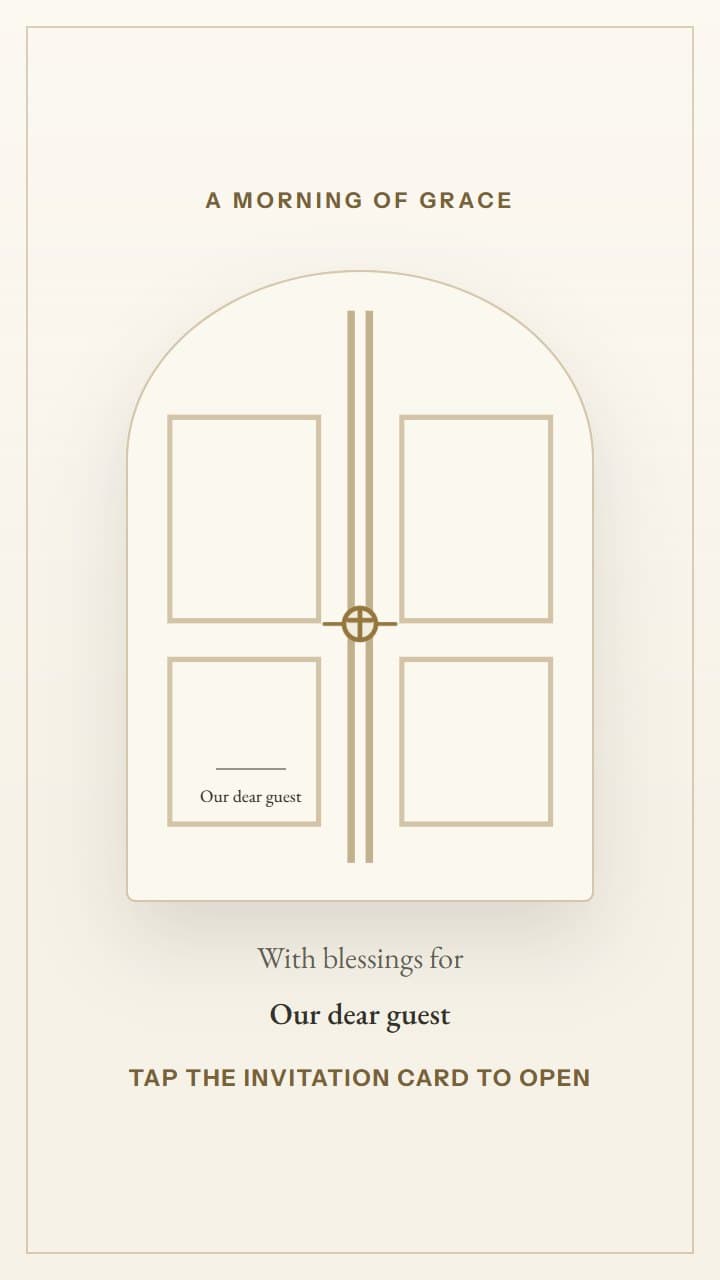 ChristeningChapel MorningPreview invitation
 Custom invitation website
Want a custom invitation website?
If you want an invitation designed especially for your event, contact us and tell us what you have in mind.
Email:[email protected]
How Invitica works
Create and share your invitation in three simple steps.
- 01
Choose a design
View the invitation templates and select the one that fits your event.
- 02
Add your details
Add your names, photos, event schedule, venue, story, and guest information.
- 03
Publish and share
Publish your invitation and send the link to your guests. They can open it and respond without downloading an app or creating an account.
What you can include
Keep everything your guests need in one place.
Share your story and photos.
Add a message and photos to tell guests what you are celebrating.
Give guests the plan for the day.
Keep the date, schedule, venue, map, and important notes together.
Collect replies from the invitation.
Guests can respond through their invitation link without creating an account.
Frequently asked questions
Quick answers about Invitica.
Do guests need an Invitica account?
No. Guests can open the link and respond without an account.
Can I create and edit an invitation on my phone?
Yes. You can create and edit invitations on a phone or computer.
Can I change an invitation after I publish it?
Yes. You can make changes and publish a new version without changing the link.
Do the template images show the real invitation?
Yes. Each image comes from the real invitation design and shows what guests see before they open it.
Guest preview